Migrating My Blog from Hexo to Gatsby.js
- Published on
Why switch to Gatsby.js
I've been blogging since around 2015. The blog started on the Logdown platform, but after it stopped being maintained, I rebuilt it myself with Hexo and hosted it on Github Pages.
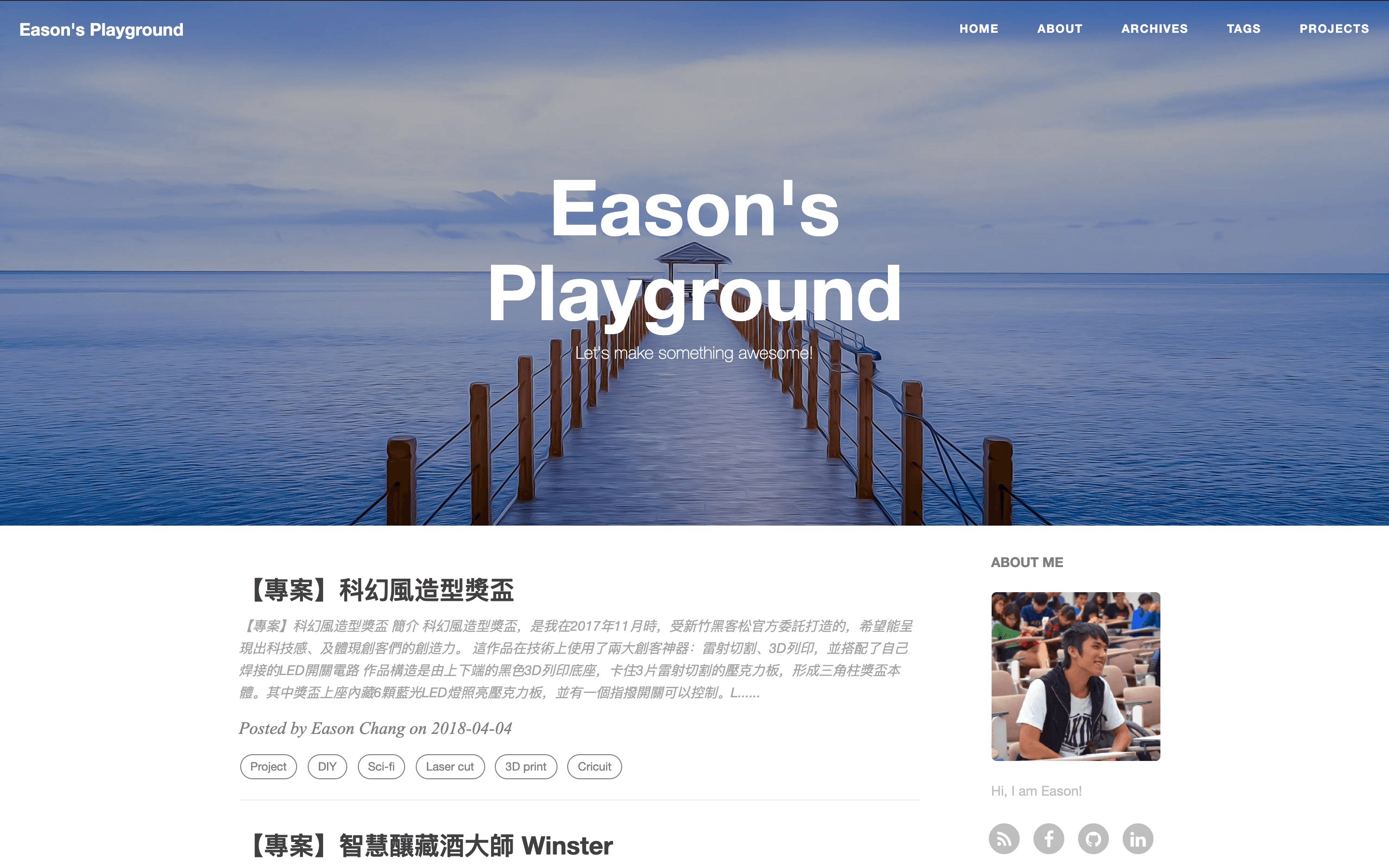
Here's why I wanted to switch now:
- I hadn't updated the blog in a while — I was busy graduating and doing my military service — and I'd switched to a new laptop, so getting familiar with the old Hexo setup again would take time
- I've been playing with React.js for the past two years, and I've always wanted to build something with Gatsby.js, a static site generator based on React.js
- I was bored out of my mind over Lunar New Year after finishing military service, and wanted to learn something new to get my dev groove back
So I decided to rebuild my blog with Gatsby.js!
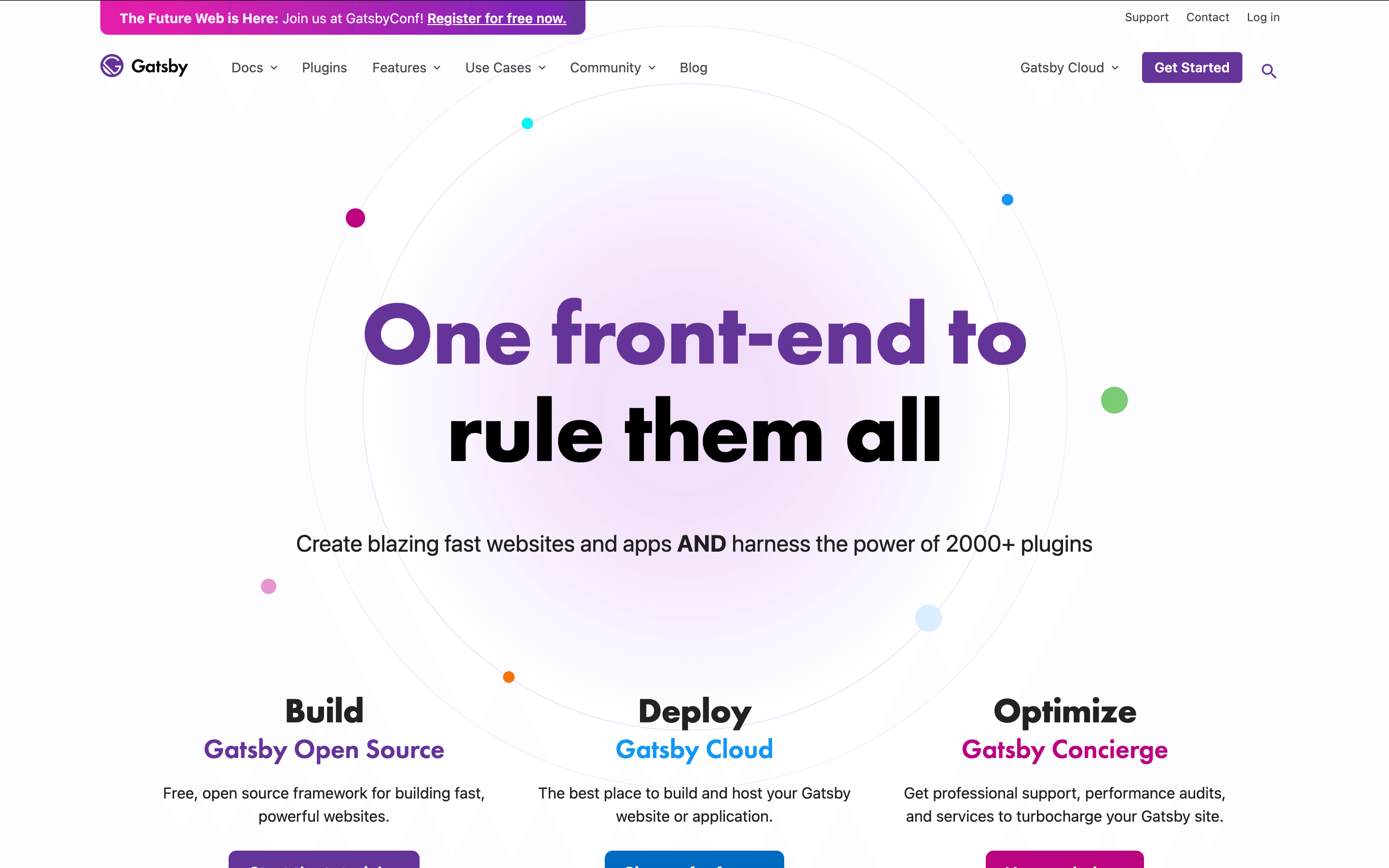
The migration process
Back on Hexo, my 30 posts were Markdown .md files, and I still had all of them. Gatsby.js also supports generating static pages from .md files, so it works basically the same way Hexo does.
That means the migration wasn't too complicated:
- Create a new project with Gatsby
- Move the 30 post .md files over
- Adjust the new blog's settings (styles, page layout, domain settings, etc.)
- Generate the static pages and push them to Github Pages — migration done
1. Create a new project with Gatsby
This is where I got stuck the longest. The Gatsby ecosystem is huge — there are so many ways to build a Gatsby site, and a lot of choices to make.
I didn't want to spend too much time on the migration — I'd rather focus on writing — but since I planned to deeply customize the blog later, I spent quite a while weighing the options:
- Self-host, or host on Gatsby Cloud? Self-host — easier to customize, and it costs nothing
- Do I need a CMS? If so, which one? Not for now. I'm not familiar with CMSs and researching them would never end — successfully migrating my 30 posts comes first
- Where to host the static files? Github Pages — that's where the blog already was. It's comfortable and stable, no reason to switch
- Build the Gatsby project from scratch, or start from a starter? Start from a starter — I wanted the migration done fast, and building from scratch is too slow
So I browsed Gatsby's starter list and picked this template that looked good to me:
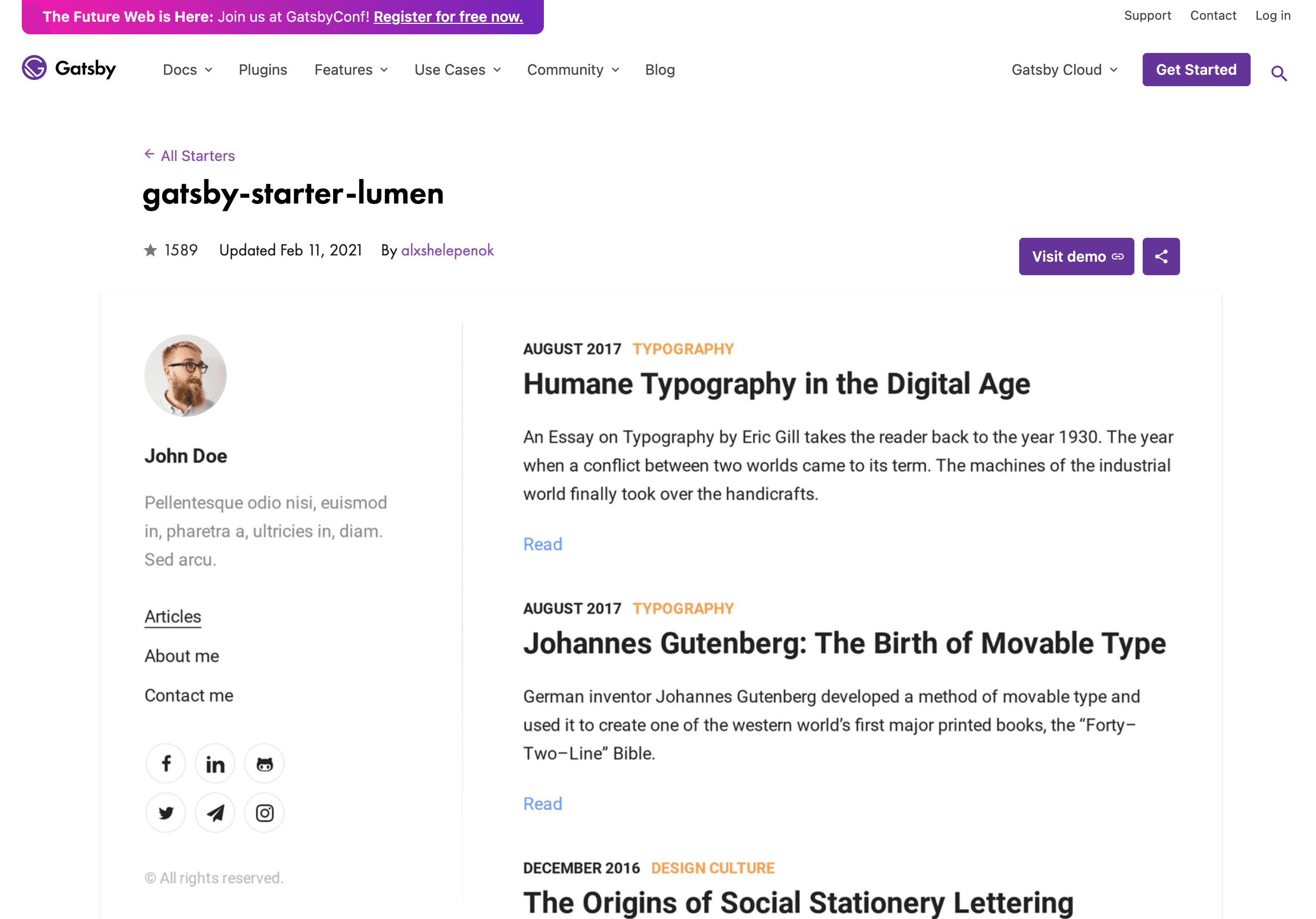
I followed its instructions to set up the project:
Copied!yarn global add gatsby-cli # 若沒 gatsby-cli 的話,才須先安裝

gatsby new my-blog https://github.com/alxshelepenok/gatsby-starter-lumen

cd my-blog
gatsby develop # 啟動 local server
Once it's running, you can open http://localhost:8000 in your browser and see the new blog on your own machine.
2. Move the 30 post .md files over
Put the .md files under /content/posts/ in the new project.
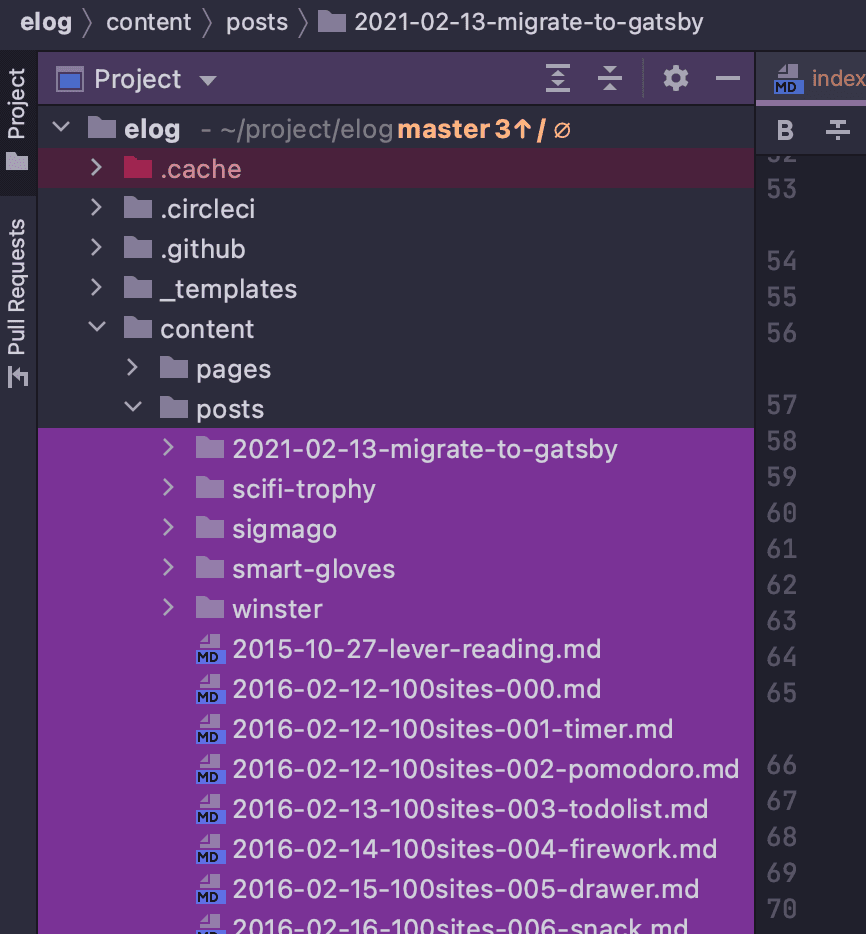
Then update each post's metadata to match the new project's naming and format. The key part: draft has to be set to false, or the post won't show up!
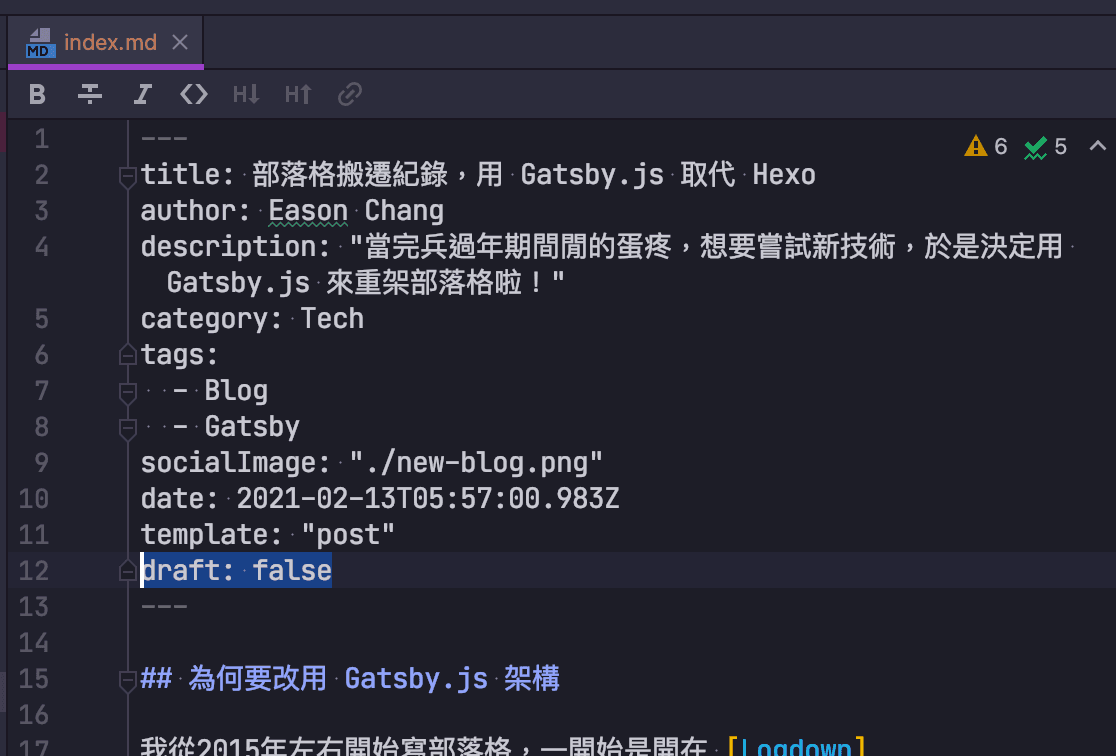
3. Adjust the new blog's settings (styles, page layout, domain settings, etc.)
Next, I tweaked the details to look the way I wanted: blog title, social links, URL, Disqus, favicon, and so on. Most of it happens in config.js:
Copied!"use strict";

module.exports = {
  url: "https://www.easonchang.com",
  pathPrefix: "/",
  title: "Eason's Playground - blog by Eason Chang",
  subtitle: "Let's make something awesome!\n",
  copyright: "© All rights reserved.",
  disqusShortname: "xxxxxxxxxxxxx",
  postsPerPage: 10,
  googleAnalyticsId: "G-XXXXXXXXX",
  useKatex: false,
  menu: [
    {
      label: "文章",
      path: "/",
    },
    {
      label: "關於我",
      path: "/pages/about",
    },
    {
      label: "專案",
      path: "/pages/projects",
    },
  ],
  author: {
    name: "Eason Chang",
    photo: "/bio-img.jpeg",
    bio: "Hi, I am Eason!",
    contacts: {
      email: "eason@easonchang.com",
      facebook: "easondev",
      telegram: "",
      twitter: "",
      github: "eason-dev",
      rss: "",
      vkontakte: "",
      linkedin: "easonchang101",
      instagram: "",
      line: "",
      gitlab: "",
      weibo: "",
      codepen: "",
      youtube: "",
      soundcloud: "",
      medium: "",
    },
  },
};
4. Generate the static pages and push them to Github Pages — migration done
My original Hexo blog was already on Github Pages. The repo is eason-dev/eason-dev.github.io, served at eason-dev.github.io.
I also already had a domain bought on GoDaddy pointing there, so the blog's final URL is https://www.easonchang.com/.
What I did now was rename and archive the old repo, create a fresh eason-dev/eason-dev.github.io repo, and push the Gatsby project I'd just finished editing to the master branch as the source code.
Then run this command in the terminal to build the new blog's static files, which get pushed to the gh-pages branch automatically.
Copied!yarn deploy
Finally, enable Github Pages on the repo's settings page, configured like this:
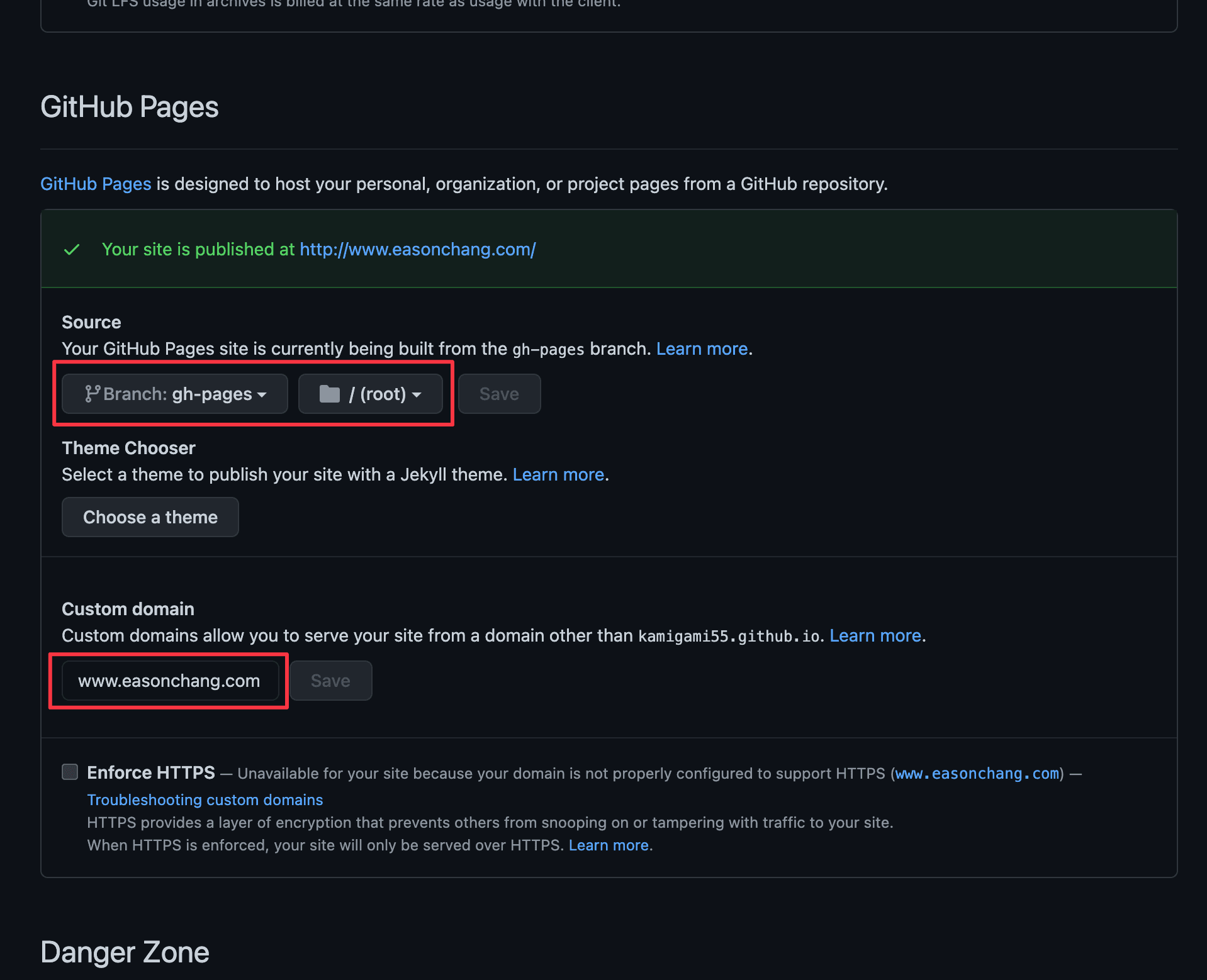
And the brand-new blog is live!

Troubleshooting
Changing the number of posts per page
The template I picked only shows 4 posts per page by default, which is way too few — I wanted 10 per page. There's a postsPerPage parameter in config.js you can adjust directly, but changing it had no effect.
After digging for half a day, it looks like a type is missing when gatsby passes the context. You need to edit /src/types/index.js:
Copied!// ...
export type PageContext = {
  tag: string,
  category: string,
  currentPage: number,
  prevPagePath: string,
  nextPagePath: string,
  hasPrevPage: boolean,
  hasNextPage: boolean,
  postsLimit: number, // <--- add this
};
// ...
I left some thoughts in this issue. Once I've dug deeper and confirmed it's a bug, I'll send a PR to fix it.
Thoughts & what's next
The whole migration took me a full day. I hadn't touched the old setup in ages, and since I never wrote anything down, I'd forgotten it all — a real waste of the time I'd invested before. So this time I made sure to write down my migration process as a memo for my future self.
There will probably be many more blog-tuning posts to come — there's still plenty I want to change, like deeply customizing the styles, adding GA tracking, a dark theme, and a smoother post-editing workflow. Looking forward to what comes next!